Cal.com setup guide
Connect Cal.com to Gia's Giraffes in one click, then send gifts your prospect claims by booking a meeting with you: what the app reads, how bookings are confirmed, cancellations and no-shows, and how to disconnect.
4 min readUpdated
Gia's Giraffes sends real gifts from independent brands. With Cal.com connected, a gift can wait for a meeting: your prospect picks their gift, enters their address, then books a time on your Cal.com page, and the gift ships only after Cal.com confirms the booking. This guide covers connecting Cal.com, using it, and disconnecting. Setup takes about a minute.
Quick answer: what the Cal.com app does
- Confirms bookings for gifts. When a prospect books through a gift, Cal.com tells us, and the gift is released. Nobody can claim the gift without a real booking.
- Watches for changes. A reschedule moves the time. A cancellation or no-show before the gift ships asks you to cancel the gift (you're refunded) or keep it.
- Reads only what it needs: your Cal.com profile, the bookings made through your gifts, and one webhook it creates on your account.
The Cal.com app is part of Gia's Giraffes Pro ($19.99 per user per month, 14-day free trial). Recipients never see a price, and you pay only for gifts that are accepted.
What you need
- A Cal.com account (any plan) with an event type prospects can book, for example
cal.com/you/30min. - A Gia's Giraffes account on Pro.
Connect Cal.com
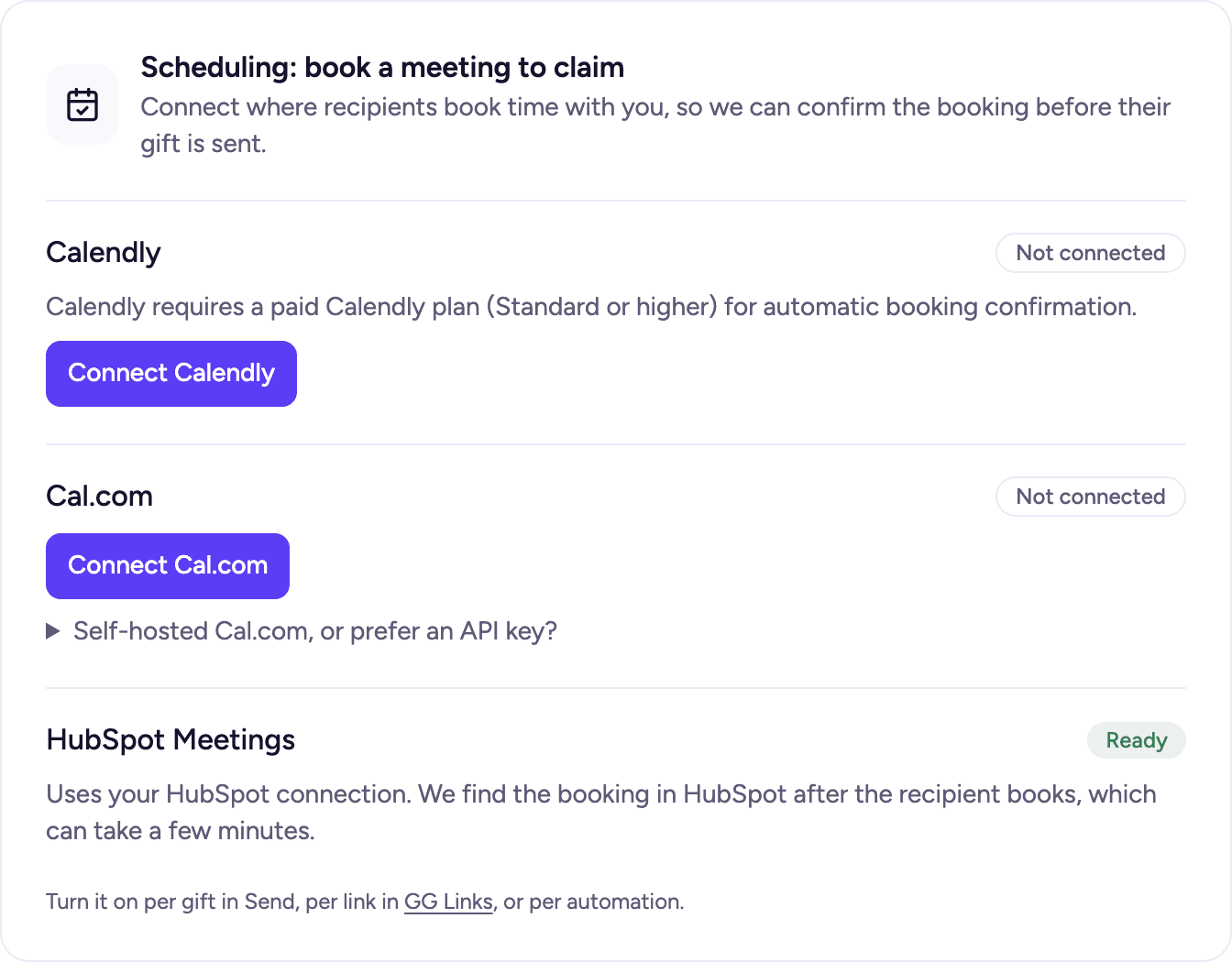
- In Gia's Giraffes, open Settings → Integrations and find Scheduling: book a meeting to claim.
- Under Cal.com, click Connect Cal.com.
- Cal.com asks you to sign in (if you aren't already) and shows what Gia's Giraffes may access. Click Allow.
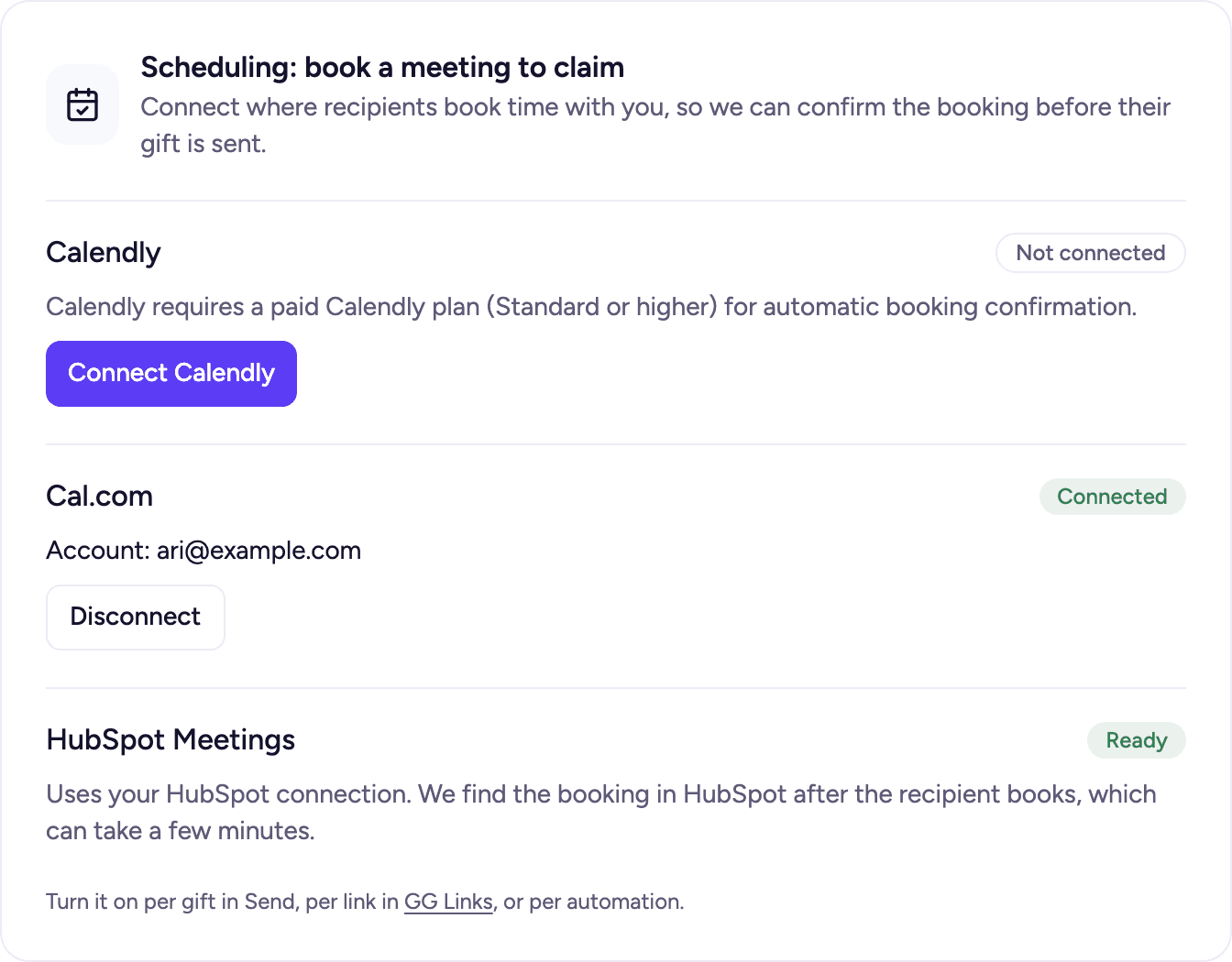
- You're back in Settings with Cal.com marked Connected, showing the account you connected.
The permissions Gia's Giraffes asks for, and why
| Permission | Why |
|---|---|
Profile: read (PROFILE_READ) | Know which Cal.com account connected, and show it in Settings |
Bookings: read (BOOKING_READ) | Check the booking a prospect made through your gift: that it's real, still on, and when it is |
Webhooks: write (WEBHOOK_WRITE) | Create one webhook on your account, so Cal.com tells us the moment a booking is made, moved, canceled or marked a no-show |
Gia's Giraffes never creates, changes or cancels bookings, and never reads your event types or availability. Cal.com's webhook notifies us about bookings on your account; we act only on the ones made through a gift and ignore the rest without storing them.
Self-hosted Cal.com, or an API key
If you run your own Cal.com, or your team prefers an API key: open Self-hosted Cal.com, or prefer an API key? under the Cal.com card, paste an API key from Cal.com → Settings → Developer → API keys, and click Connect with API key. It works the same way. Connections made with an API key before Connect Cal.com existed keep working; you can switch any time by disconnecting and clicking Connect Cal.com.
Use it: a gift they claim by booking a meeting
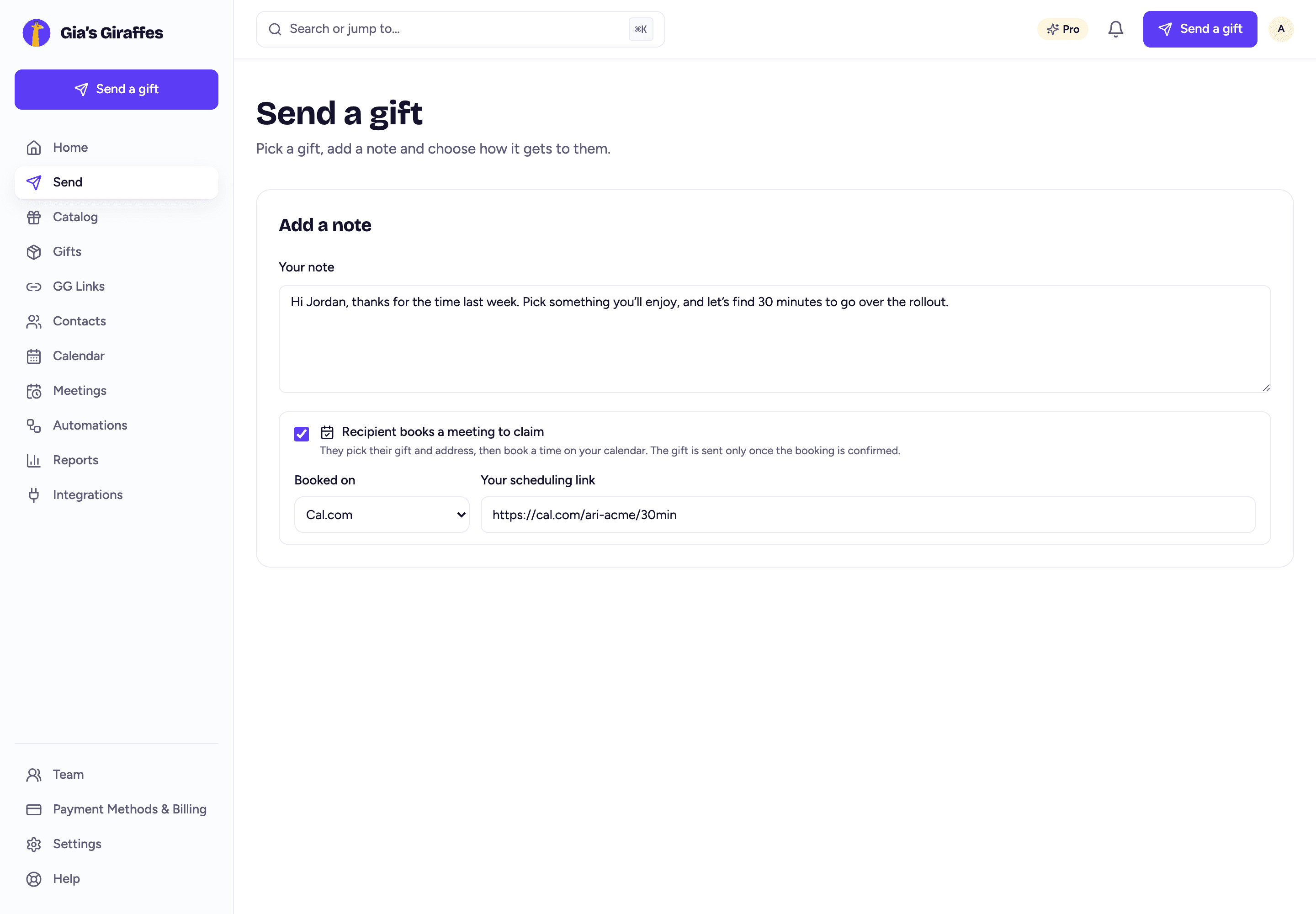
- Click Send a gift, choose the gift (or let them choose at a budget), and in the Add a note step tick Recipient books a meeting to claim.
- Choose Cal.com and paste your booking link, for example
https://cal.com/you/30min. - Send. The same option is on GG Links and on deal-stage automations.
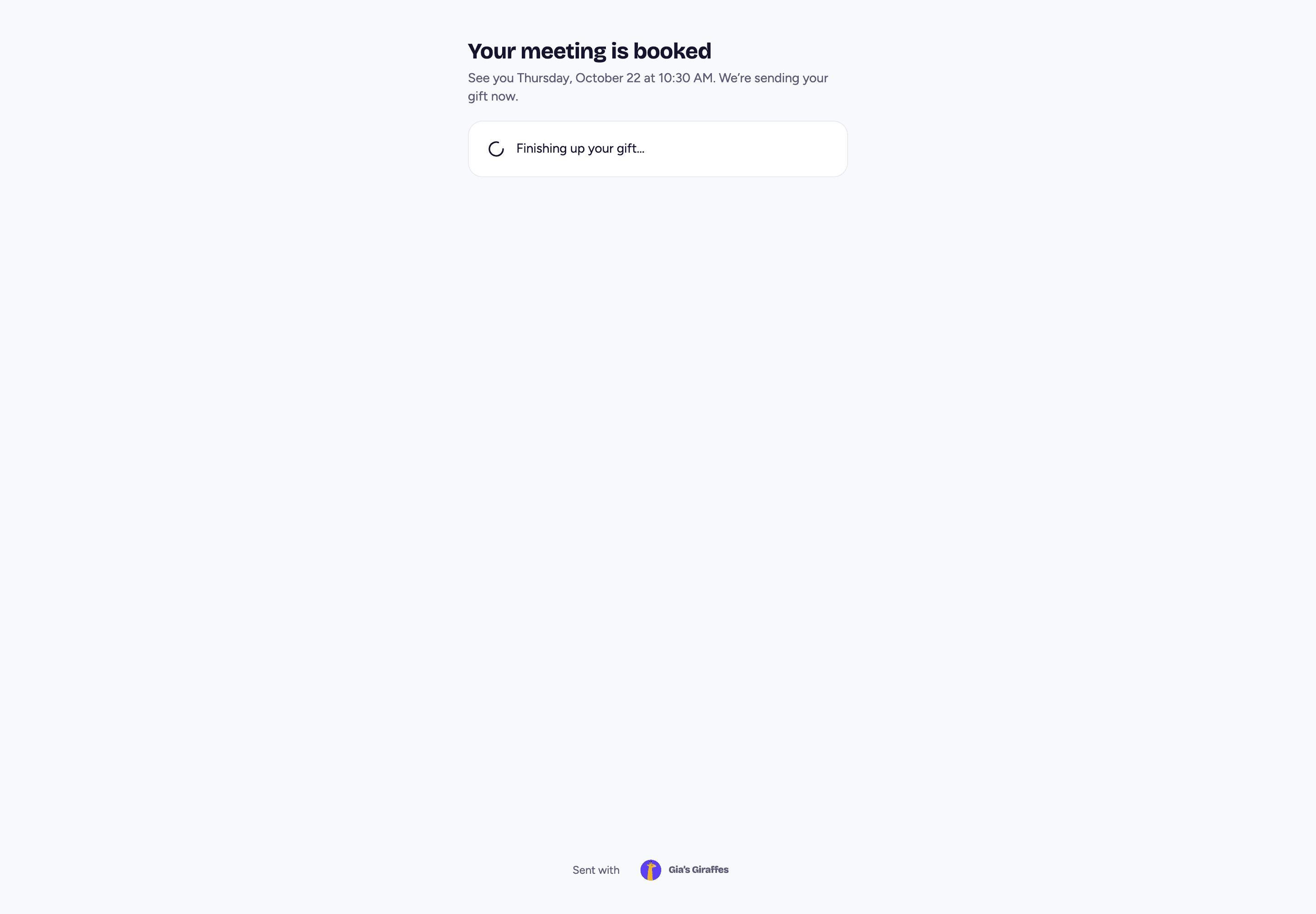
Your prospect opens the gift, picks what they'd like and enters their address. Then your Cal.com page appears on the gift page. Once they book, Cal.com confirms it to us and the gift goes out.
In Gifts, the gift shows the meeting time and the booking in its history.
Cancellations, reschedules and no-shows
- Rescheduled: the gift keeps going; the new time shows in Gifts.
- Canceled or a no-show before the gift ships: you get an email and an in-app alert with two choices: Cancel the gift (you're refunded) or Keep it (it ships anyway).
- Never booked: nothing is charged. The gift waits with the usual reminders and then expires.
Disconnect Cal.com
In Settings → Integrations, click Disconnect on the Cal.com card. Gia's Giraffes deletes the webhook it made on your Cal.com account and deletes its stored access. Gifts still waiting on a booking can't be confirmed until you connect again.
If you remove Gia's Giraffes' access from inside Cal.com instead, we stop confirming bookings, mark Cal.com Reconnect in Settings and tell you in the app. Click Reconnect Cal.com to pick up where you left off.
Your data
- What we store: your Cal.com user id and email (to show which account is connected), Cal.com's access to your account (encrypted, in a secrets vault) and the id of the webhook we created.
- What Cal.com sends us: a notice for each booking on your account. We keep only the ones made through a gift (they carry the gift's reference): the booking's id, time, status and the prospect's email, on that gift. Every other notice is dropped without being stored.
- What we never do: create, change or cancel bookings, or share your Cal.com data with anyone. See the privacy policy for the full details.
FAQ
- Does Gia's Giraffes work with Cal.com?
- Yes. Connect Cal.com in Settings → Integrations, then turn on Recipient books a meeting to claim when you send a gift, on a GG Link or in an automation.
- Does it need a paid Cal.com plan?
- No. Any Cal.com account works, including the free plan.
- Can Gia's Giraffes see my calendar?
- No. It reads your Cal.com profile and the bookings made through your gifts. Notices about your other bookings are ignored and never stored.
- What happens if my prospect books the wrong event type?
- The gift is released by a booking made through the gift's own scheduler, which carries the gift's reference. A booking made somewhere else doesn't release it.
- Does it work with self-hosted Cal.com?
- Yes, with an API key from your Cal.com instance's settings, under Self-hosted Cal.com, or prefer an API key?
- How do I disconnect?
- Settings → Integrations → Cal.com → Disconnect. We delete our webhook and the stored access straight away.
Ready to connect your tools?
Start free. Integrations, AI tools and the meeting option are part of Gia’s Giraffes Pro.