
Let Claude or ChatGPT Draft Your Prospect Gifts, With Spending Limits and an Approval Step
How sales reps can use Gia’s Giraffes’ AI tools connection to find gifts, draft them for a contact and send only after approval, with the safeguards that keep spend under control.
By Gia’s Giraffes
4 min read
On this page
Most reps know when a gift would help. What stops them is the work: finding something suitable, checking the budget, writing a note, getting it sent. When there are forty accounts in play, the gift does not happen.
Gia’s Giraffes has an AI tools connection that lets an assistant such as Claude, ChatGPT or Cursor do the research and drafting while you keep the final say on anything that spends money. This post explains what it can do, what it will not do without you, and how a rep might use it. The details come from our MCP documentation, which is the source of truth if anything here changes.
What it is
The connection is an MCP server. You add https://www.giasgiraffes.com/api/mcp as a custom connector or MCP server in your assistant, then sign in. It requires a Pro plan. See pricing for plan details.
What the assistant can do on its own
These actions are read-only:
- Search the gift catalog and look at gift details.
- Search and look up your contacts, including shared team contacts.
- List upcoming birthdays and other occasions.
- Check your calendar for meetings with people you have not thanked yet.
- Check whether a gift was opened or redeemed, list recent gifts, and review spending and remaining limits.
That list is already useful. A rep can ask, "Who did I meet with this week that I haven't thanked?" and get an answer without opening three tabs.
What it can do with your approval
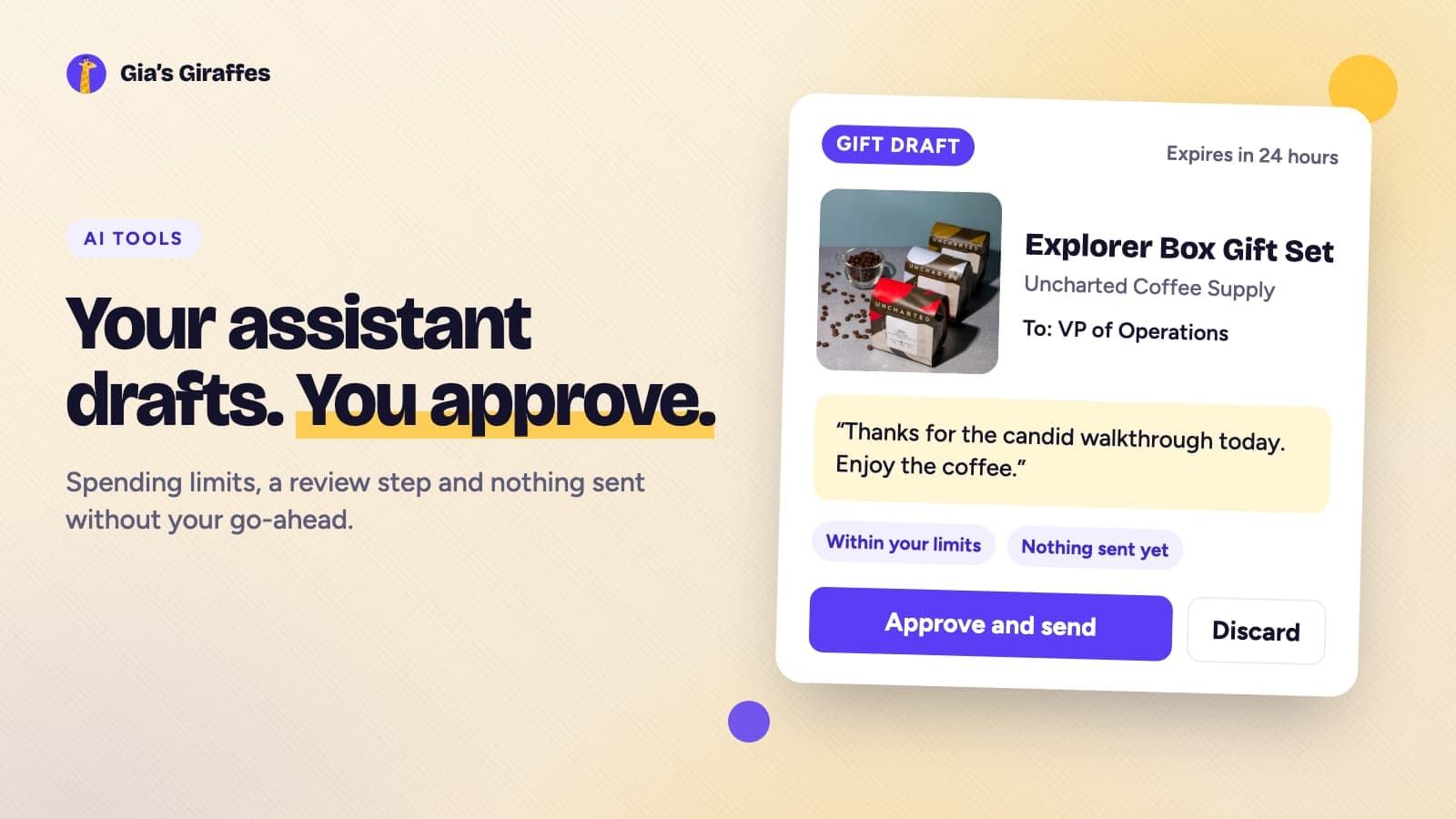
The assistant can draft a gift. A draft shows the recipient, the gift, the note, the maximum cost and the card. Nothing is sent. You get a draft ID and a full summary, and drafts expire after 24 hours.
Sending is a separate step that needs the draft ID and your explicit confirmation. The assistant can also create a GG Link that one or several people can redeem.
The safeguards
The reason to be comfortable with this is the list of limits.
- Approval before anything is sent. The send step asks first.
- Spending caps. Each connection has per-gift, daily and monthly limits. Limits count the maximum possible cost of gifts, and you can change them in Settings.
- Team controls. Team owners can cap monthly AI-tool spending, and gifts over budget need approval.
- Read-only mode. You can limit a connection so it can search but not draft, send or create links.
- Card protection. Your card stays with Gia’s Giraffes and is charged only when a recipient accepts. AI tools never see card details.
- Recipient privacy. Recipients do not see prices.
- An audit trail. Every tool call is logged, and each gift shows which tool sent it.
- Revocation. You can disconnect any tool at any time in Settings under Developers, then AI tools, and it stops working immediately.
- Rate limit. Each connection is limited to 60 requests per minute.
A workflow that fits a rep’s week
Here is how a rep could use it on a Friday afternoon. The prompts are examples, not required commands.
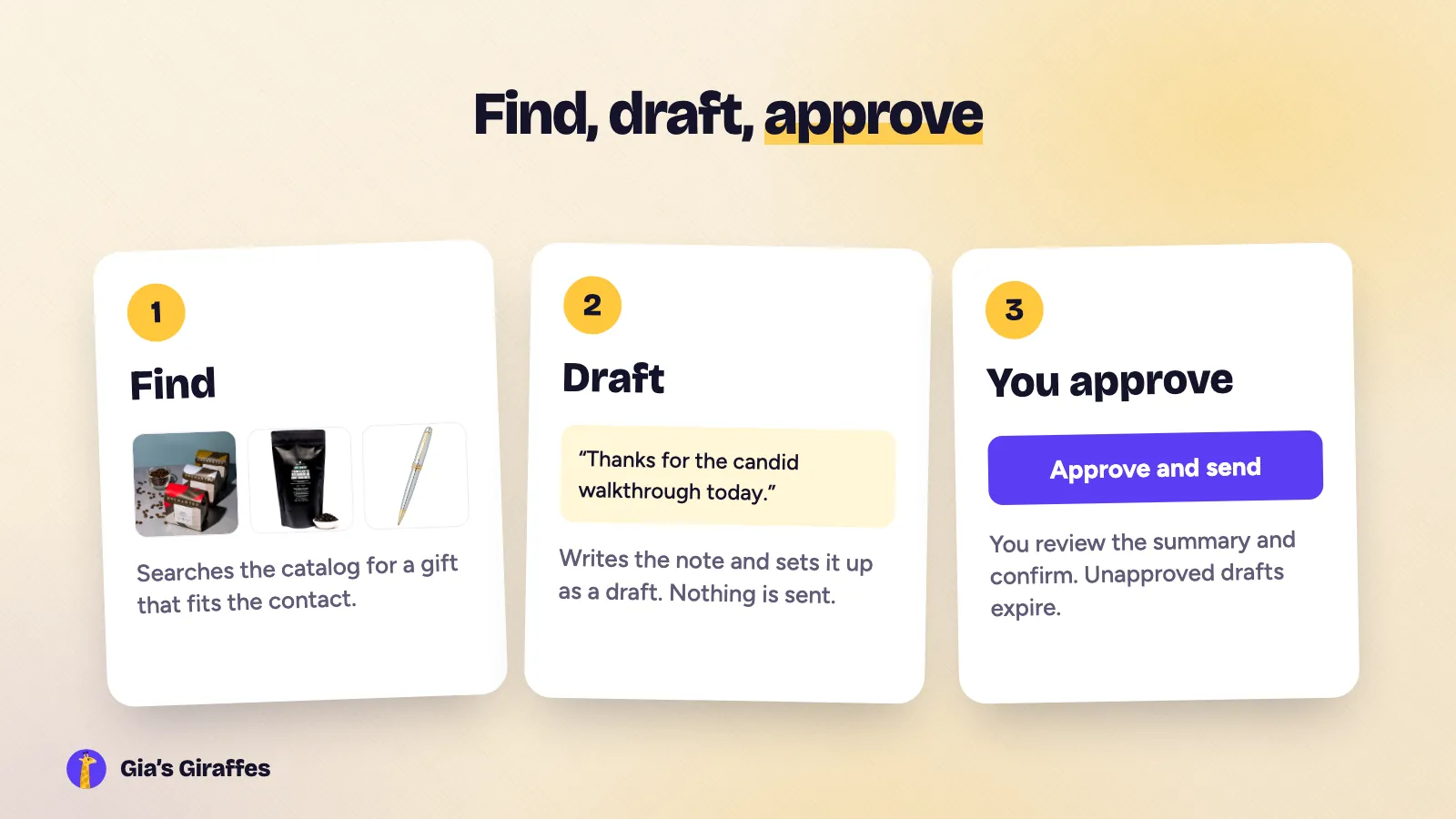
- Find who to thank. "Check my calendar for this week and tell me which meetings I haven’t sent a thank-you for."
- Pick a gift. "Search the catalog for a coffee or tea gift that would suit a VP of operations."
- Draft, don’t send. "Draft a thank-you gift for Priya with a short note. Keep it within the team budget."
- Review. Read the summary: who it goes to, what it is, what the note says and the maximum cost.
- Approve. Confirm the ones you want. Ignore the rest, and they expire.
The assistant does the lookup and drafting. You decide.
What the assistant might suggest
For the prompt in step 2, an assistant searching the catalog could come back with picks like these. They are examples from our catalog, and selection changes, so the catalog is the source of truth.
Explorer Box Gift Set

One single-origin Rwandan coffee roasted light, medium and dark. It gives a coffee drinker something to compare and talk about, which makes it an easy opener for the next call. From Uncharted Coffee Supply.
Low Country, Bourbon Sugar Black Tea

A robust loose leaf black tea with notes of burnt sugar, buckwheat, chicory and bourbon, in a 70-cup bag. A good alternative when the contact drinks tea rather than coffee. From August Uncommon Tea.
Bailey Medalist Ballpoint Pen

A ballpoint pen from A.T. Cross with a multi-grooved chrome center ring and a modern clip. If the assistant is not sure whether the contact prefers coffee or tea, a quiet desk gift like this one is a safe fallback. From A.T. Cross.
Where it fits in a sequence
Gifts work best when they match a moment: after a first meeting, after a demo, when a deal moves forward. Our guides on post-demo thank-you gifts and sales gifting strategy cover the timing. The AI connection speeds up the mechanics.
What it does not do
- It does not send texts. The tools do not send text messages.
- It does not decide for you. The approval step is the point.
- It only accesses your own data and your team’s shared contacts.
- Features that are still in beta, such as CRM sync, meeting-unlock links and closed-won automation, are described on the sales teams page as coming soon.
Get started
Start free, then read the MCP docs and the API docs for the full details. Browse the catalog to see what an assistant would be choosing from.
Ready to send one?
Start free. Pick a gift or let them choose; with Gia’s Giraffes you only pay when it’s accepted.
Keep reading
 Sales Gifting
Closed-Won Welcome Gifts: What to Send New Customers and Their Teams
A guide to welcome gifts after a deal closes, with ideas for the champion, the exec sponsor and the whole team, and how to send them now while automation is still in beta.
3 min read
 Sales Gifting
Desk Gifts for Prospects and Clients: Journals, Pens and Everyday-Carry Picks That Don’t Look Like Swag
How to choose a desk or everyday-carry gift for a prospect or client, matched to the kind of person they are, with picks from independent makers and a note on what to avoid.
3 min read
 Sales Gifting
The Post-Demo Thank-You Gift: What to Send, What to Write, and When Not to
A practical guide for sales reps on sending a thank-you gift after a demo or first meeting, with the message to include, gift picks that read as thoughtful, and the cases where you should skip it.
4 min read